SPIX presents the first independent Voice-AI Plugin for Excel !
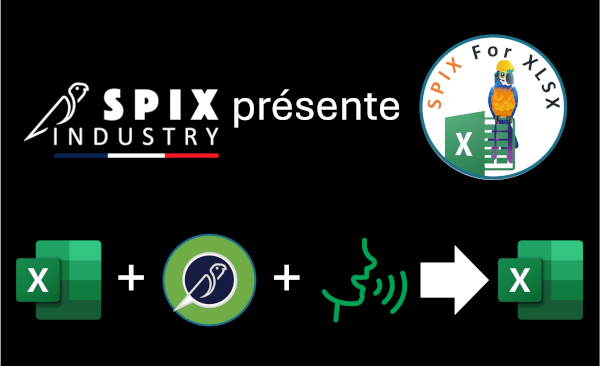
SPIX industry offers a No-Code assembly solution for its SPIX voice assistant to create a voice experience around the use of Excel .
The industry still makes extensive use of Excel and XLSX files for all kinds of functions: MES, CMMS, GMAO, ERP, FMS , … Microsoft’s software has the advantage of its limitations: flexible, simple to deploy, inexpensive. Excel permet de franchir une première étape de digitalisation, avant l’implémentation des grosses solutions numériques de l’industrie.
For many industries, this intermediate step ” before the implementation ” of an MES, QMS, or FSM can last several years…
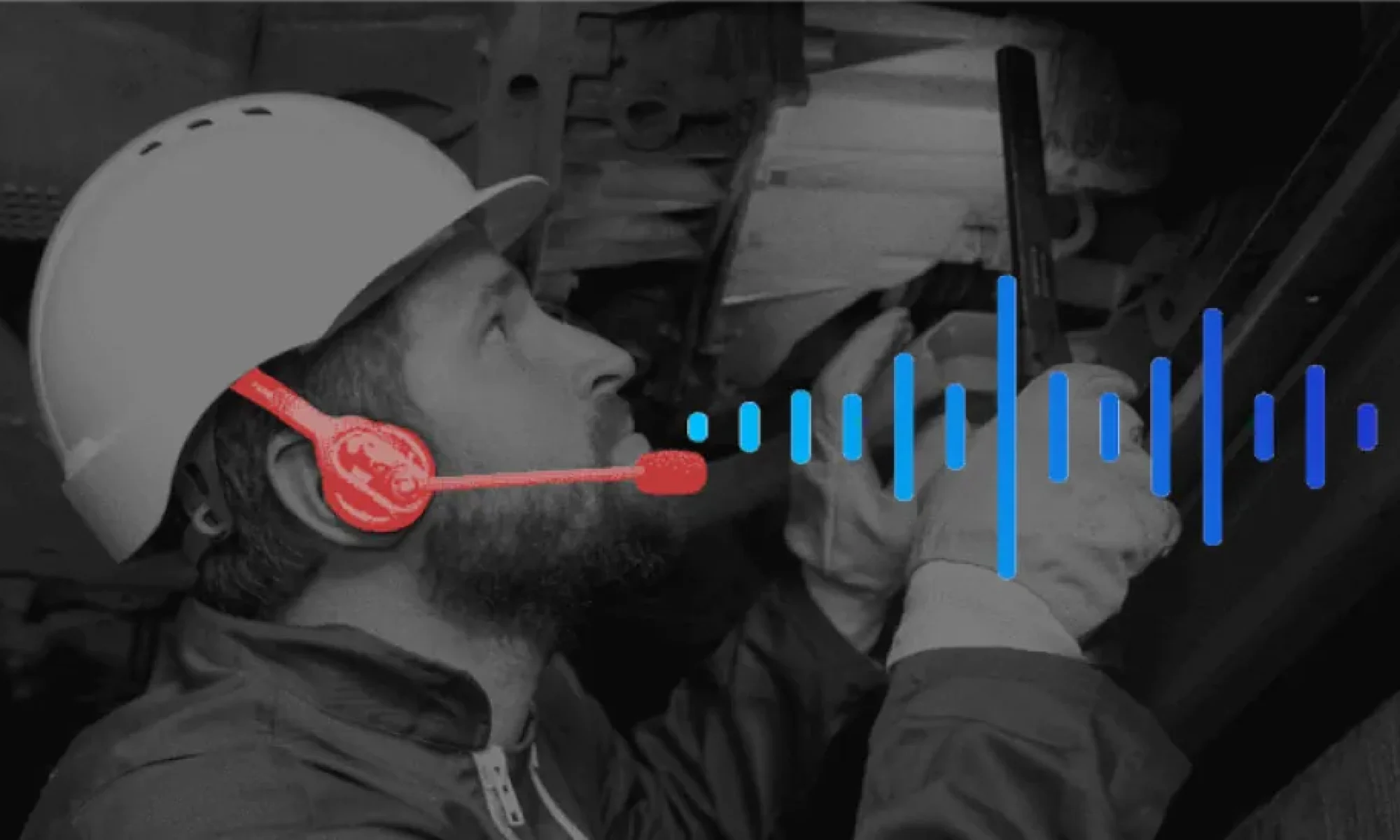
Excel remains complex to use for field operators, on tablets, wearing gloves, while on the go… That’s where SPIX comes in with a voice AI plugin for Excel to allow field operators to interact with their favorite spreadsheet using voice!
3 questions about your Excel forms:
– How much time spent filling them?
– Can they be filled while wearing gloves ?
– How many years do to maintain them?
If your answers are: >15%, No and >4
Then we really need to talk!
SpixForXLSX: an industrial solution
SPIX’s AI-speech plugin for Excel is designed for industrial use:
- It uses existing XLSX files , without modifying the structure or changing existing data flows.
- It does not require any modification to existing business logic . All business rules, intermediate calculations, and formulas are preserved and remain active.
- Multimodal use of keyboard, mouse, and voice is transparent to the user.
- Using SPIX SKILLS to fill and manipulate typed fields in Excel: selection from lists, numeric measurement , alphanumeric reference , free text , date and time, checkbox , photo , …
- Using business accelerators to navigate by voice within a page, or between named data blocks.
- Using intelligent validation solutions for multiple fields at the same time, groups of data, or multiple selections in the same voice sequence.
SpixForXLSX: a 100% No-Code configuration editor
SPIX’s AI-speech plugin for Excel can be configured without a single line of code: perfect for the methods department
- Based on XLSX files , with a No-Code configuration interface.
- Retrieving existing form data : names, cell type, drop-down lists.
- Quickly select groups of data or blocks of cells with the mouse.
- Creation of business accelerators : preparation of voice navigation in a range of data, or of fast voice navigation between named data blocks.
- Creating intelligent validations : preparing to validate multiple fields at the same time, to validate groups of data, or to select multiple times in the same voice sequence.
- Simple and visual validation of the SPIX voice interface configuration using a color code.
- Automatic saving of the SPIX voice interface configuration, without changing the file name, without additional files.

Automatic identification of typed cells in the page, to simplify association with a SPIX voice SKILLS . For example, above, all cells containing a list are identified and automatically associated with a “Choice” skill . All automatic associations can be modified manually.

Access the SPIX SKILLS list to associate a cell with a voice function . Association is manual if the cell type is not automatically detected.
In the example opposite, the measurement fields “Number of hours” and “General isolation” are not typed in Excel; they will be manually associated with the SPIX “Measurement” SKILL.

Associating specific Excel elements (e.g., checkboxes) with SPIX voice SKILLS . In the example, several checkboxes are associated with a “Multiple Choice” SKILLS to allow the user to say ” Hood Pedals Wheels ” to check all 3 boxes at once.

Creating groups based on users’ work processes . A group allows for two things:
– Block-based navigation -> speed and fluidity of data access ,
– Group validation of possible elements -> speed of validation .
For example, as shown above, the operator can say ” Go to contactors ” at any point during their work to focus on the Contactors data block. Then, the operator can say ” Everything is working correctly in the contactors ” to confirm the conformity of the three requested elements. If the coils are ultimately found to be faulty, they can say ” Coils out of service ” to change the initial selection.
Point of contact
André JOLY – Managing Director
Tel.: +33 (0)6 25 17 27 94
Email: andre.joly (at) spix-industry.com
Legal entity
Website: spix-industry.com
Linkedin: linkedin.com/company/spix-industry
Simsoft3D SAS – 40 rue du Village d’Entreprises – 31670 Labège (France)
“Voice Experience “, ” SPIX ” and ” SPIX industry ” are registered trademarks of Simsoft3D SAS.


